To get your members to install the app, click 'Settings' on your left-side menu and then select 'Mobile App'.
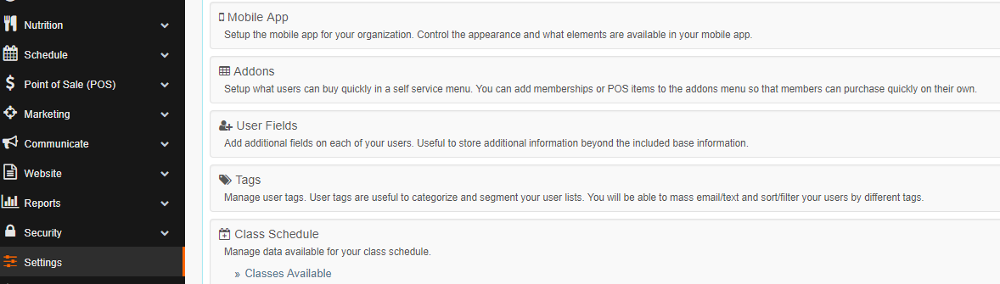
Select 'Yes' under 'Install Display Link', and be sure to Save the change.
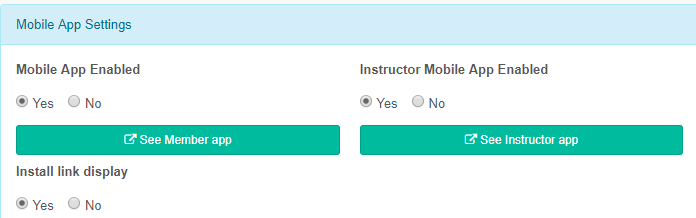
After you click save, the following link will appear on the account view of your website: (i.e. myGymDomainName.com/account):

Clicking that link will take the user to the following screen where they can access app installation instructions based on their mobile device.
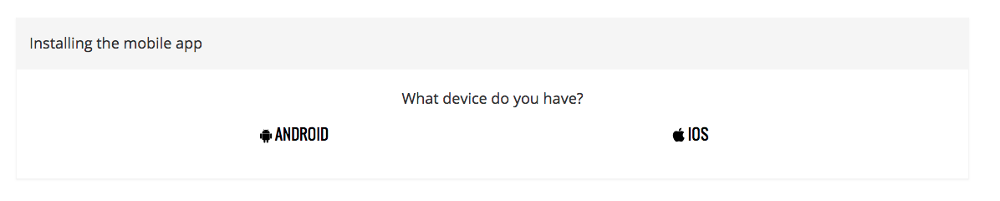
Sidenote, that screen is always live at myGymDomainName.com/account/instructing and can always be accessed by new members when 'Install Display Link' is set to 'No.'
'Install Display Link' is intended for use during the initial launch of the mobile app - FitHive recommends leaving the link on for 1-2 months post-launch, and emailed in the 'New Member' Automated email after that.
